How to get the most out of Claude Fable 5.2
I gave Fable 5.2 the same prompt nine different ways and timed and priced every run. A free design skill made it faster, cheaper and better looking. Cranking it to maximum effort cost eight times as much and looked about the same. Here’s what I’d do for cost, for design and for getting the job finished, plus the skills worth installing.
- ways tested
- 9
- cheapest run
- $2.02
- priciest run
- $24.58
Where the money goes, and where it’s wasted
- 01Leave effort at high, not xhighMy aquarium at xhigh took 56 minutes and $24.58, and looked about the same as the $8 run. Anthropic says most of the gain arrives by high.
- 02Don’t make Fable manage cheaper modelsFable planning while Opus 5.5 agents wrote the code cost $10.31, against $3.13 for plain Fable, and it came out the sparsest of the lot.
- 03Skip the reviewer agent on small buildsA second agent critiquing the work cost $14.42 and 42 minutes. Not visibly better.
- 04Use Opus 5.5 for the quick stuffOpus made the Apple-style ad in 5 minutes for $1.42, a third of Fable’s price. Its version was the weakest of the three, so keep Fable for anything where taste matters.
Two changes that made it look better
- 01Give it a design skillSame Apple-style ad prompt: 7 min and $3.13 with Anthropic’s frontend-design skill, 10 min and $4.54 without. On an aquarium prompt it was the cheapest of nine runs ($2.02) and the most distinctive. Better and cheaper in both tests.
- 02Let it see what it builtOut of the box it writes the page and never looks at it. With screenshots it came out about as rich as the maximum-effort run, for a third of the price ($7.82 vs $24.58).
Install the design skill (run in your project folder):
mkdir -p .claude/skills && cd .claude/skills
git clone --depth 1 https://github.com/anthropics/skills.git tmp-anthropic-skills
cp -R tmp-anthropic-skills/skills/frontend-design .
rm -rf tmp-anthropic-skills
Then add to your prompt:
Use the frontend-design skill.Let it see what it built:
When the first version is built, open it in a browser and take screenshots of it running (a few moments apart if it animates). Look at the screenshots, fix anything that looks off or broken, and check again until it looks right. Tell me what you changed.So it finishes, and tells you what it did
- 01Tell it to finish the whole jobOn long tasks Fable sometimes stops early with a list of what’s left or an offer to continue. Anthropic’s version of this text roughly halved the sessions that ended with work left undone.
- 02Tell it to wait for its helpersIf Fable starts subagents in the background, a headless run can end before they finish. One of my runs did exactly this: $5.08, and no file at the end.
- 03Ask for a plain-English reportAfter a long task the final message gets dense and full of its own shorthand. Anthropic found this text made reports easier to read.
- 04Drop “think less” linesAnthropic says Fable 5.2 ignores them at medium effort and above. Turn the effort setting down instead.
Finish the whole job (adapted from Anthropic’s Fable 5.2 guide):
# Finishing work
Please avoid stopping while you still owe work I asked for. Carry on with work that does not depend on my answer without unnecessary stops. If you notice yourself offering to wait or asking me to redirect you, proceed on the next part of the task instead. When you hit ordinary obstacles like errors, timeouts or failing tools, diagnose them and work through them rather than stopping. Only stop when the task truly can't move forward without me, or the blocker is deliberate.
A plain-English report at the end (adapted from the same guide):
# Communicating clearly
Write your final message for someone who hasn't seen your tool calls or the files you opened. Put the key points in the first few sentences. Use plain words and short sentences. Don't use names or abbreviations you made up during the work.
Wait for its helpers:
If you start subagents, wait for every one of them to finish and read their results before you end your turn. Don't run them in the background.Five design skills that stop the AI look
I ran the first one in these tests. The other four are the most installed design skills right now (skills.sh installs and GitHub stars, 12 November 2026).
- 01frontend-design · testedAnthropic’s own. Pushes it to make bold, specific choices on palette, type and layout instead of the templated look. 1.1M installs. The one I tested: better and cheaper in both runs. github.com/anthropics/skills
- 02Taste SkillWorks like an art director: it picks real reference images before it designs anything. 768K installs, 114K stars. github.com/Leonxlnx/taste-skill
- 03UI UX Pro MaxPicks colours and fonts for your industry, so a dentist doesn’t end up looking like a crypto app. 448K installs, 149K stars. github.com/nextlevelbuilder/ui-ux-pro-max-skill
- 04ImpeccableTell it to make a page bolder, calmer or more polished, and it does exactly that. 404K installs. github.com/pbakaus/impeccable
- 05HallmarkOpens your page in a real browser and fixes what looks off before you see it. “Let it see what it built”, packaged. 54K stars. github.com/Nutlope/hallmark
How I tested this. Same prompt, run once per setting in Claude Code on 13 November 2026, with the time and cost Claude Code reported for each run (costs at API list price). One run each, so treat these as what happened when I tried it, not a benchmark. The finishing, reporting and “think less” advice comes from Anthropic’s guide to prompting Claude Fable 5.2.
More field guides
All guides → Claude Code · GuideHow to make motion graphics with Claude Code →Six looping effects, one prompt each
 Claude Code · GuideHow to security-check your vibe-coded app with Claude Code →One prompt, 20 checks, a fix list
 Claude Code · GuideHow to make Claude Code attack your own app before you launch →One prompt, two test accounts, every hole it got through
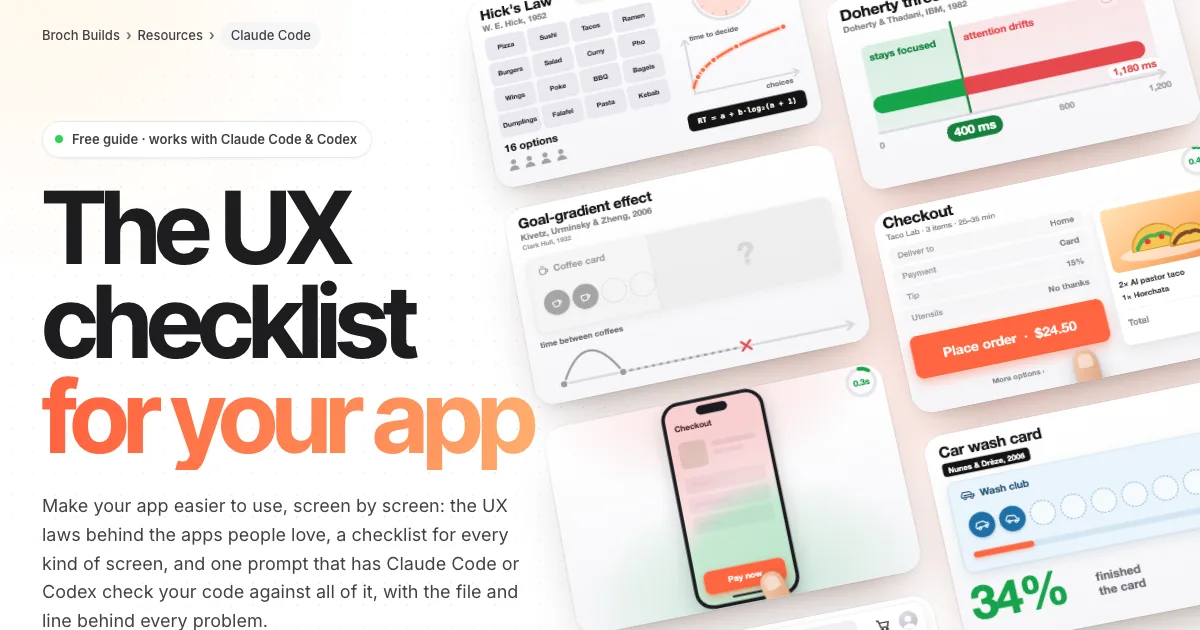 Claude Code · GuideThe UX checklist: make your app easier to use →The UX laws, a checklist per screen and one audit prompt
 Jev · GuideHow to set up Jev and make your first API call →Step by step, about 5 minutes
 Jev · GuideHow to automate SEO internal linking with Jev →The script, the prompt and the threshold rule
 Jev · GuideHow to find sales prospects ready to buy with Jev →Two scripts and the three filtering questions
 Jev · GuideHow to automate bookkeeping with Jev →Categorize every transaction, flag what needs a human
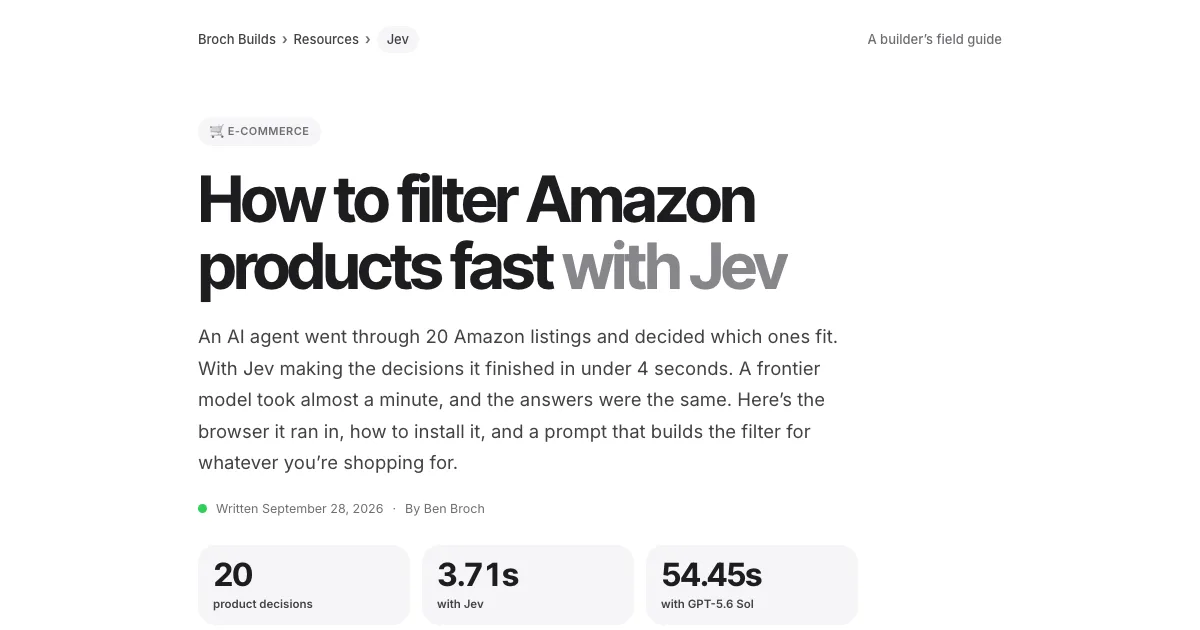 Jev · GuideHow to filter Amazon products fast with Jev →The agent browser, the rules as questions, the race
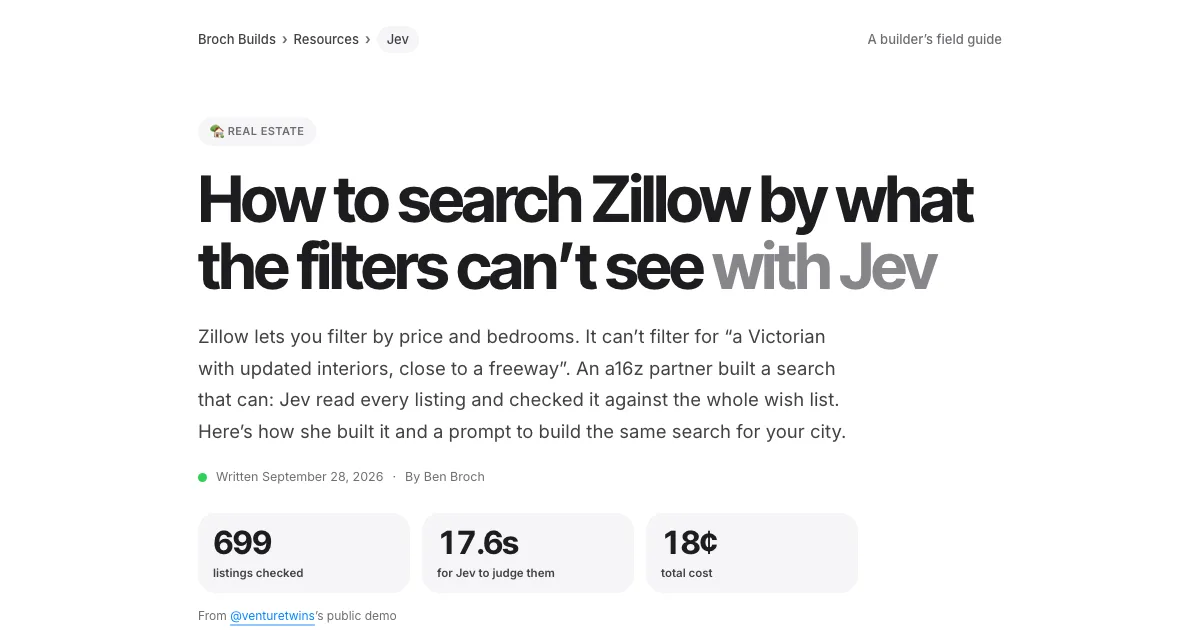 Jev · GuideHow to search Zillow by what the filters can’t see with Jev →699 listings judged in under 18 seconds
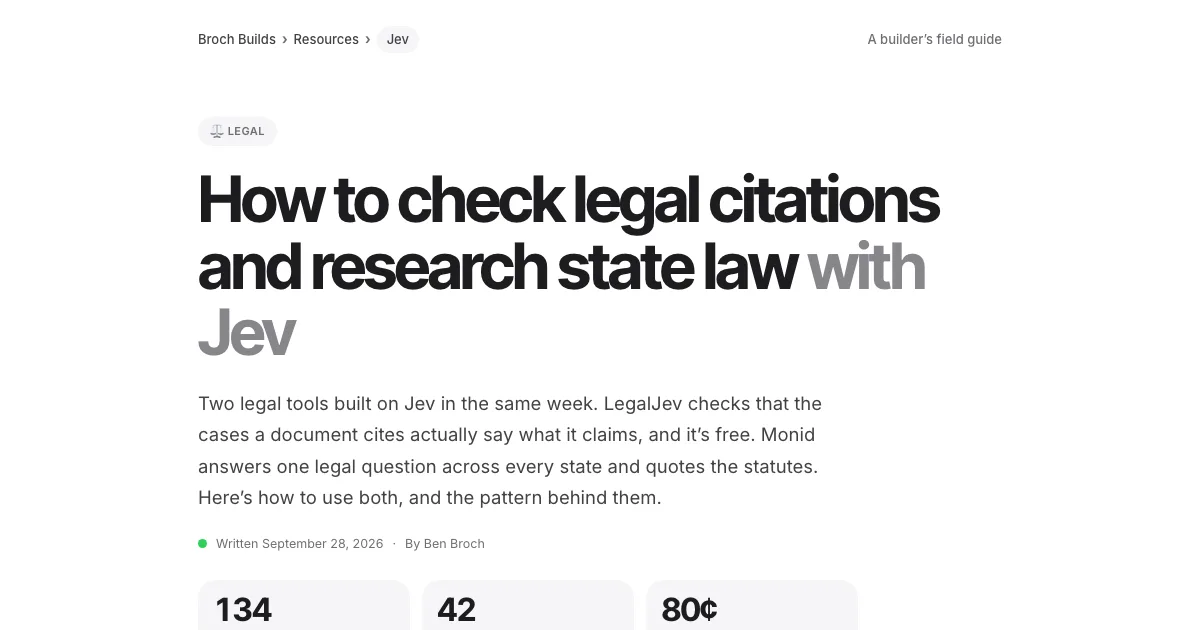 Jev · GuideHow to check legal citations and research state law with Jev →LegalJev (free) and Monid, side by side
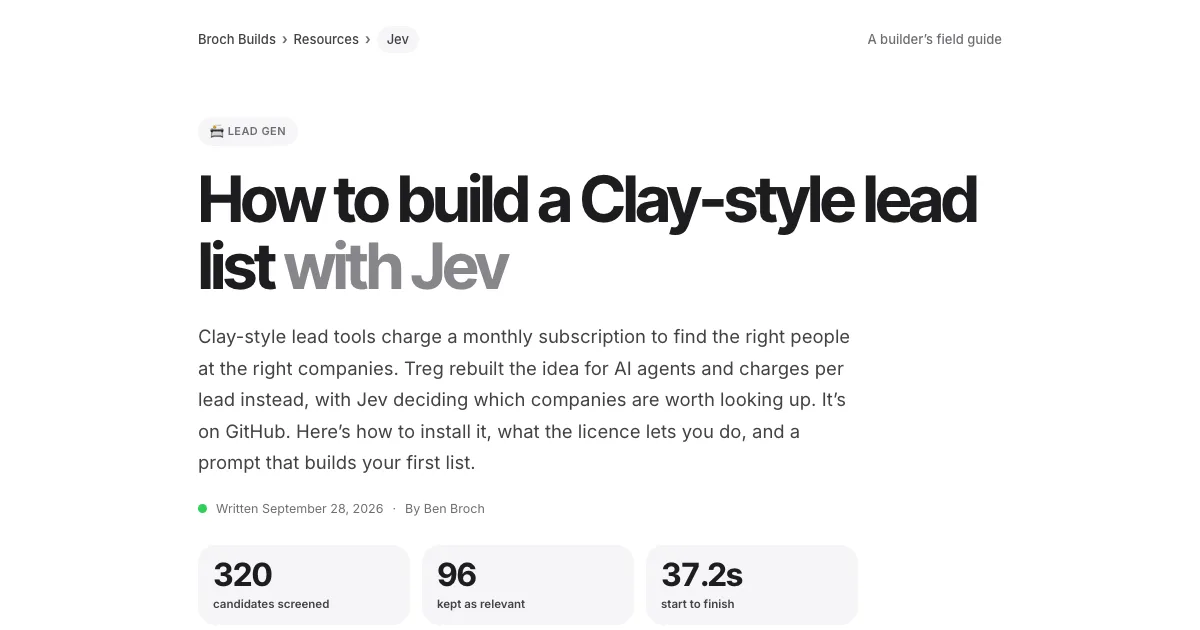 Jev · GuideHow to build a Clay-style lead list with Jev →Treg on GitHub: judge first, pay second
 Jev · GuideHow to find buyers on LinkedIn with Jev →290 posts scored in 3.8s, 23 buyers
 Jev · GuideHow to sort your inbox with Jev →500 emails in 7 seconds for a cent
 Jev · GuideHow to find viral TikToks with Jev →780 videos, 137 outliers, sorted by niche
 Higgsfield · GuideHow to swap the people in any video with Higgsfield Genjutsu →The clip, the photos, the prompt and the cost
 ChatGPT · GuideHow to build and submit your own ChatGPT plugin extension →The server, the ZIP and the review checklist
 Jev · Directory200+ Jev demos, repos and docs by team →Everything worth watching or running