How to make motion graphics with Claude Code
Six looping motion graphics, each made from one prompt. Paste the ground rules once, then the prompt for the effect you want, and Claude Code builds it as a single HTML file you can turn into an MP4.
- looping effects
- 6
- per loop
- 8s
- prompt each
- 1
Ground rules: paste this first, once
Every effect below was built from a prompt in this shape, and each one assumes Claude Code already has these rules. They are what make the loop seamless and the frames repeatable, so you can render the same graphic to video later.
Build me a looping motion graphic as a single HTML file, 1080 x 1350 (Instagram 4:5).

Rules:
- The whole animation is 8 seconds and loops seamlessly: the frame at 8s must look exactly like the frame at 0s.
- Drive every element from ONE function of time, render(t) for t from 0 to 8. No CSS transitions, no requestAnimationFrame state, no Math.random. I want to be able to call render(3.2) and get the same frame every time.
- Entrances take 0.6 to 0.7 seconds with an ease-out. Nothing snaps in.
- Everything has left the screen or reset by 7.7s, so the loop restarts on a clean first frame.
- Put the graphic on a soft grey panel with rounded corners. White cards, soft shadow, one accent colour: #FF6640. Font: Inter Tight for headings, Inter for text.
- Add a play button so I can watch it live, and expose window.render(t) so I can capture it.Search to results
A search types itself and the results stack in.
Use it for: showing a search or AI tool doing its job.
A search bar types "onboarding emails" one letter at a time, with a blinking caret. When it finishes, three result cards rise in from below, 0.3s apart: each has a coloured square on the left, a bold title and a grey line under it ("Welcome email / 52% opened", "Day 3 nudge / 31% opened", "Trial ending / 18% clicked"). Hold, then everything fades down and out.Checklist ticks over
Four tasks flip from “To do” to “Done” one by one while the counter climbs.
Use it for: a launch countdown or a project update.
A card titled "Launch checklist" with a counter pill in the corner ("0/4"). Four rows: Landing page, Pricing, Launch email, Demo video. Each row has a grey "To do" pill on the right. Starting at 1.5s, every 0.85s the next pill crossfades into a green "Done ✓" pill with a small pop (scale up 14% and back), the row label turns grey, and the counter goes up by one.The number that matters
A big number counts up while a sparkline draws itself underneath.
Use it for: the headline stat in a client report or launch post.
A card that says "Signups this week" with a big number that counts up from 0 to 1,248 over 2 seconds (ease-out, commas, tabular numbers). At the same time a sparkline draws itself left to right underneath, with a dot riding the end of the line. When the line finishes, a soft fill fades in under it and a green "+18%" chip pops in at the top right. Label it "sample data".Tabs to panels
A pill slides between three tabs and the panel below swaps to match.
Use it for: comparing plans or packages.
A segmented control with three tabs: Starter, Pro, Team. A dark pill sits behind the active tab and slides to the next one (0.55s ease-in-out) at 2.3s and 4.7s, then back to Starter at 7s so the loop matches. Under it, a panel shows the active plan: a price as the heading and three rows (coloured square, feature name, grey detail). When the tab changes, the old panel fades and the new one rises in, rows staggered.Flowing paths
A glowing dot travels an S-shaped path and lights up each step it reaches.
Use it for: a funnel, an onboarding flow or any process.
Five pill-shaped nodes joined by a dotted line in an S shape: Visit -> Sign up -> Activate (top row), down to Pay, then left to Refer (bottom row). The nodes pop in one by one. Then a glowing accent dot travels the whole path twice, leaving a solid accent trail behind it, and each node gets an accent outline the moment the dot reaches it. Use SVG getPointAtLength for the dot so it follows the path exactly.Lines through a mask
Three lines of headline type rise through hidden slots, then an underline draws in.
Use it for: a launch headline or one big claim.
Three lines of huge, tight headline type: "Launch" / "week starts" / "Monday." Each line sits in its own box with overflow hidden and slides up into view from below (0.7s ease-out, 0.32s apart), like it is rising through a slot. "Monday." is in the accent colour, and once it lands an accent underline draws from left to right under it. At the end the lines slide up and out the same way.Turn it into a video
Once the graphic looks right in the browser, send this in the same conversation. Because every frame comes from render(t), the video matches what you saw, frame for frame.
Now write a script that opens this page in headless Chromium with Playwright, calls window.render(t) for every frame at 30fps (240 frames), screenshots each one, and pipes them into ffmpeg to make an h264 MP4 (yuv420p, 1080x1350). Start the file at the moment the graphic is complete, not at t=0, so the first frame (and the Instagram thumbnail) shows the finished graphic. The loop is seamless, so starting mid-way changes nothing else.What it took
Each effect was one prompt plus a few rounds of fixes. Most of them were timing (entrances too fast), sizing (the graphic too small for its panel) and the first frame being empty. If yours comes out wrong, tell Claude Code which of those it is.
More field guides
All guides → Jev · GuideHow to set up Jev and make your first API call →Step by step, about 5 minutes
 Jev · GuideHow to automate SEO internal linking with Jev →The script, the prompt and the threshold rule
 Jev · GuideHow to find sales prospects ready to buy with Jev →Two scripts and the three filtering questions
 Jev · GuideHow to automate bookkeeping with Jev →Categorize every transaction, flag what needs a human
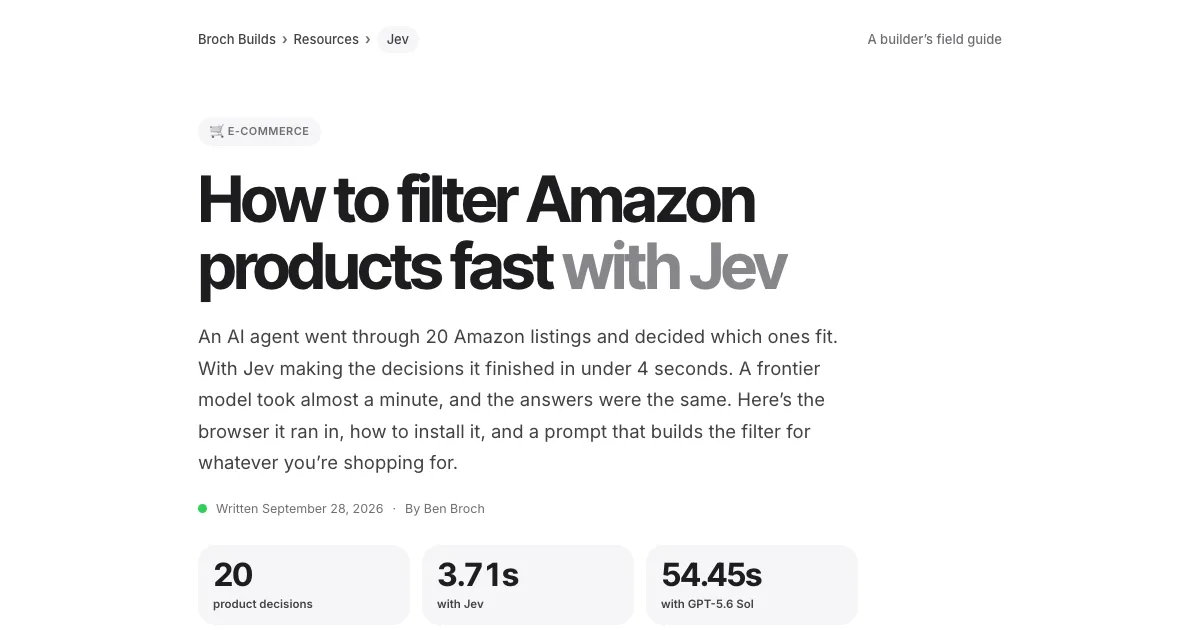 Jev · GuideHow to filter Amazon products fast with Jev →The agent browser, the rules as questions, the race
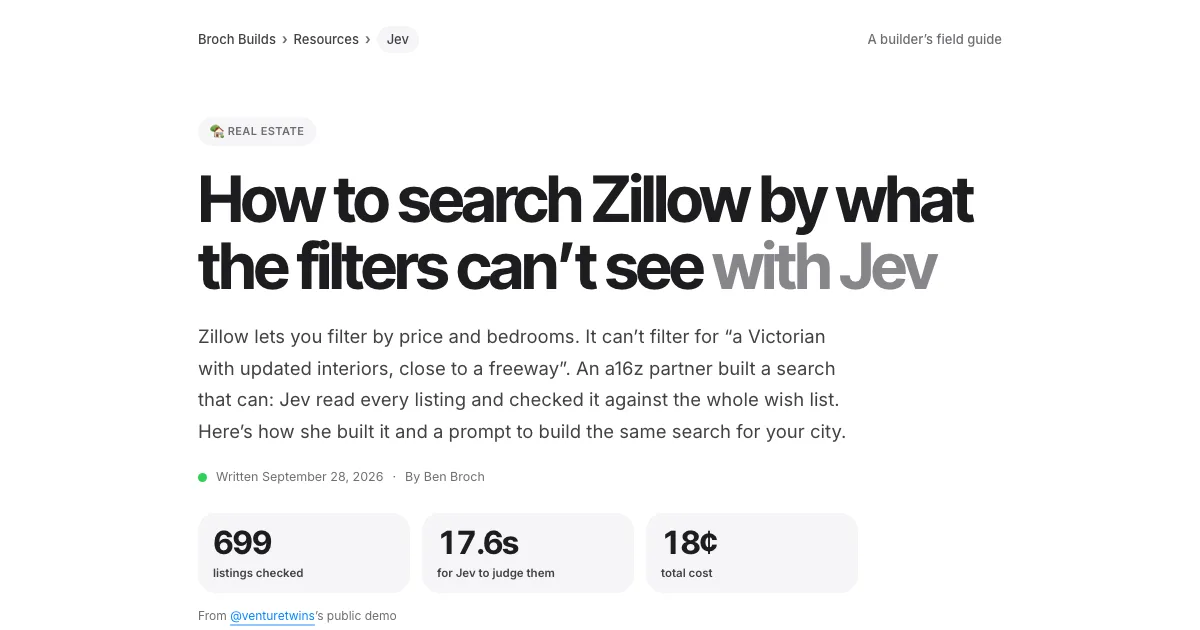 Jev · GuideHow to search Zillow by what the filters can’t see with Jev →699 listings judged in under 18 seconds
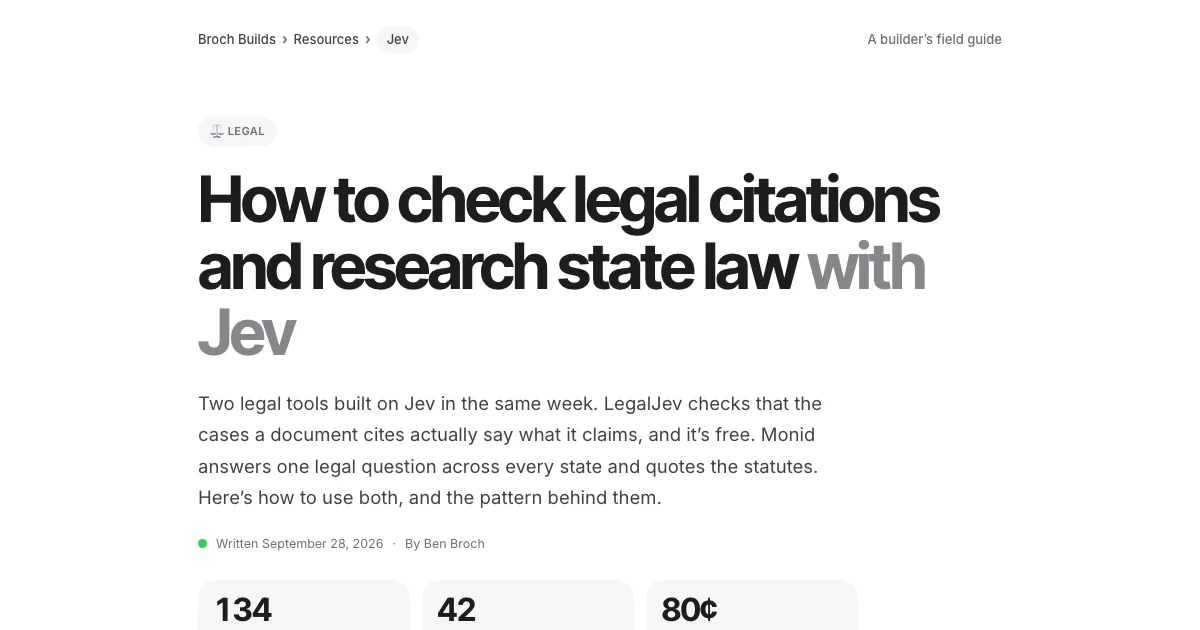 Jev · GuideHow to check legal citations and research state law with Jev →LegalJev (free) and Monid, side by side
 Jev · GuideHow to build a Clay-style lead list with Jev →Treg on GitHub: judge first, pay second
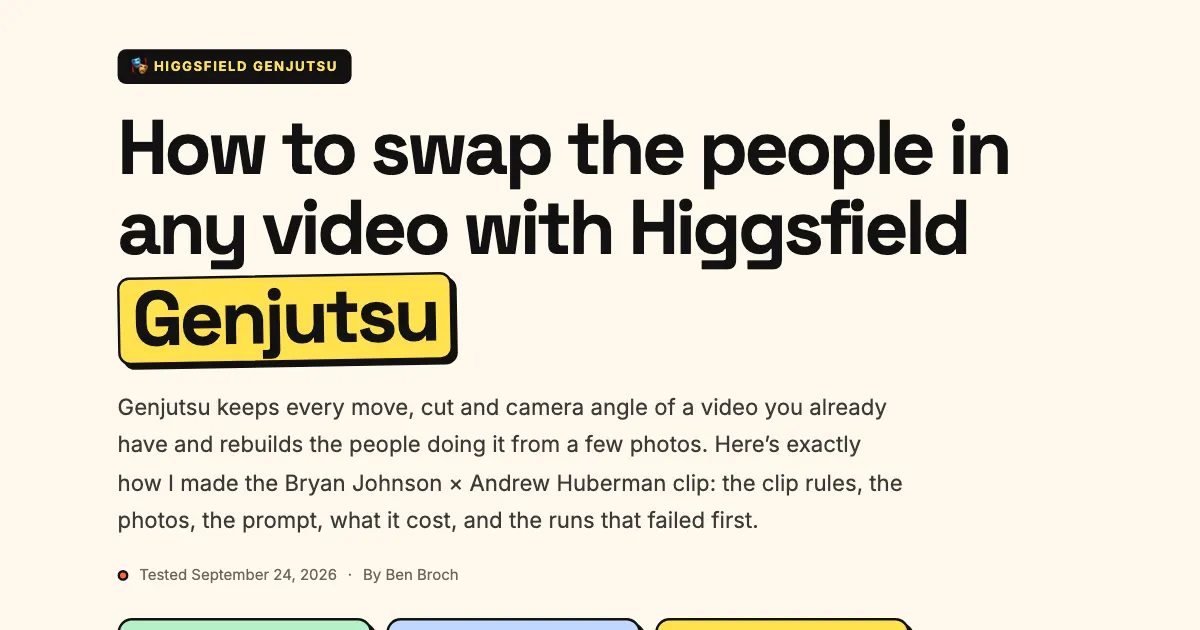 Higgsfield · GuideHow to swap the people in any video with Higgsfield Genjutsu →The clip, the photos, the prompt and the cost
 ChatGPT · GuideHow to build and submit your own ChatGPT plugin extension →The server, the ZIP and the review checklist
 Jev · Directory130+ Jev demos, repos and docs by team →Everything worth watching or running