How to cut a third of your Claude Code tokens with Caveman
Caveman is a free, open-source add-on for coding agents that does two things. It makes the agent say less: answers come back short while code, commands and error messages stay exact. And it makes the agent read less: logs, JSON, CSV and test output get shrunk before the model reads them, and the originals stay on your disk. One command installs it for Claude Code, Codex and 30+ other agents.
Star count as of 23 Nov 2026.

Same fix, a third of the words
The reason your React component is re-rendering is likely because you’re creating a new object reference on each render cycle. When you pass an inline object as a prop, React’s shallow comparison sees it as a different object every time, which triggers a re-render. I’d recommend using useMemo to memoize the object.
New object ref each render, so React re-renders. Wrap the prop in useMemo.
Example and token counts (tiktoken o200k) from the Caveman README.
The numbers, and what each one measured
- fewer input tokens per session, on 6 synthetic tasks
- 33.2%
- cheaper with caveman-style output, across eight models
- 1.4–2.4×
- no measurable quality loss on 86 coding tasks
- p = 0.82
- 33.2% fewer input tokens comes from Caveman’s own benchmark: 6 synthetic tasks with large tool output (CSV, logs, YAML, test output, JSON, HTML), 18 paired runs, and 18 of 18 answers still right. CSV and logs saved about half; HTML has no compressor yet and came out 9.9% worse. Yours will vary. Method
- 1.4 to 2.4× cheaper is from Adobe Research’s CAVEWOMAN paper, which tested caveman-style output on eight models and five datasets. The same paper found that cavemanning your prompt makes answers worse, so Caveman never touches what you type. arXiv 2606.24083
- No measurable quality loss is JetBrains’ paired A/B on 86 real coding tasks (p = 0.82), with 8.5% fewer output tokens. JetBrains blog
The honest part, from the README itself. Against a plain “Answer concisely.” instruction, /caveman alone was only about 3% shorter on ten dev questions; /ultracave was 35% shorter. Newer models already know how to be brief, so most of the saving comes from the agent reading less, not from the voice. The rules also cost about 1,160 input tokens. Every case where Caveman loses
Install it
Run this in your terminal. It finds the agents on your machine, shows what it will change, and you press Enter. Mac, Linux and Windows. It needs Node.js 22.13 or newer.
npx @caveman-ai/cli@latestAfter that, plain claude runs with Caveman on, and so do Codex, Gemini CLI, OpenCode and 30+ more agents. It runs on your machine with your own keys and your Claude Pro/Max login.
Only want the short answers and none of the rest? Install just the skill:
npx skills add JuliusBrussee/caveman -gPick a level
Type one of these where you talk to your agent ($caveman in Codex). Here is the same React answer at each level, from the README.
/caveman20 tokensNew object ref each render, so React re-renders. Wrap the prop in useMemo.
Short answers in plain words. Start here.
/ultracave14 tokensInline object prop, new ref, re-render. useMemo.
The grunt. This is the level with the big cut.
/megacave13 tokens新參照致重繪。useMemo。
Classical Chinese. Fewest tokens, hardest to read.
Say stop caveman or /caveman off to go back to normal answers.
Turn parts on and off
Caveman calls its parts “rocks”, and they’re all on after install: the short voice, input shrinking, Auto model picking, Blocks, waste fixes and compressed web pages. Each has its own switch. Auto is the only one that needs an account (free), and it only sends anything once you sign in and pick it.
caveman statuscaveman off browseThe rock names are output, input, waste-fixes, routing, scripts and browse. Swap off for on to bring one back.
When it saves you nothing
- You pay per request, not per token. On a plan like GitHub Copilot, shorter answers cost the same, and the README says so.
- Your agent mostly reads HTML. There’s no HTML compressor yet; in the benchmark that task got 9.9% worse.
- You already tell it to be concise. Then
/cavemanadds about 3%. The input shrinking is where the third comes from.
Read it at the source
Caveman is Apache-2.0 and made by Julius Brussee. “Caveman” and the rock logo are his trademarks. This guide isn’t affiliated with him.
More field guides
All guides → Jev · GuideHow to set up Jev and make your first API call →Step by step, about 5 minutes
 Jev · GuideHow to automate SEO internal linking with Jev →The script, the prompt and the threshold rule
 Jev · GuideHow to find sales prospects ready to buy with Jev →Two scripts and the three filtering questions
 Jev · GuideHow to automate bookkeeping with Jev →Categorize every transaction, flag what needs a human
 Jev · GuideHow to filter Amazon products fast with Jev →The agent browser, the rules as questions, the race
 Jev · GuideHow to search Zillow by what the filters can’t see with Jev →699 listings judged in under 18 seconds
 Jev · GuideHow to check legal citations and research state law with Jev →LegalJev (free) and Monid, side by side
 Jev · GuideHow to build a Clay-style lead list with Jev →Treg on GitHub: judge first, pay second
 Jev · GuideHow to find buyers on LinkedIn with Jev →290 posts scored in 3.8s, 23 buyers
 Jev · GuideHow to sort your inbox with Jev →500 emails in 7 seconds for a cent
 Jev · GuideHow to find viral TikToks with Jev →780 videos, 137 outliers, sorted by niche
 Higgsfield · GuideHow to swap the people in any video with Higgsfield Genjutsu →The clip, the photos, the prompt and the cost
 ChatGPT · GuideHow to build and submit your own ChatGPT plugin extension →The server, the ZIP and the review checklist
 Claude Code · GuideHow to make motion graphics with Claude Code →Six looping effects, one prompt each
 Claude Code · GuideHow to security-check your vibe-coded app with Claude Code →One prompt, 20 checks, a fix list
 Claude Code · GuideHow to make Claude Code attack your own app before you launch →One prompt, two test accounts, every hole it got through
 GrokBot · GuideWays to use GrokBot →The setup, ten jobs from the reels and 100+ prompts
 Muse · GuideWays to use Meta Muse →Five builds with prompts, plus 100+ more
 Claude Code · GuideThe Claude Code handbook →How the Claude Code team makes Claude prove its work, and more plays to copy
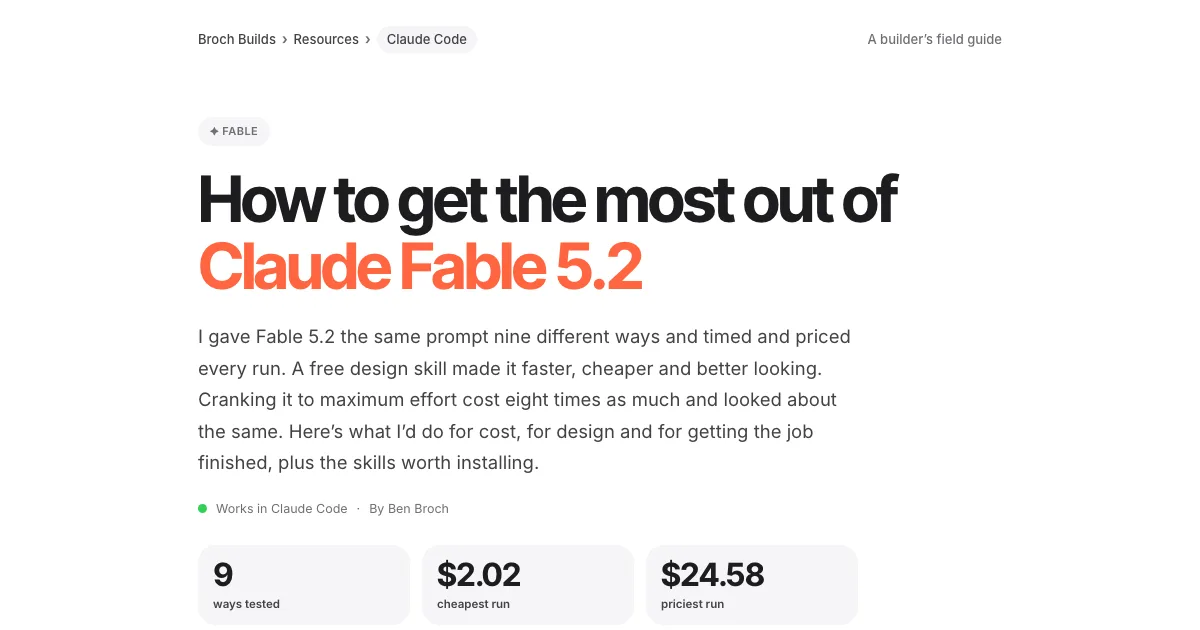 Claude Code · GuideHow to get the most out of Claude Fable 5.2 →Cost, design, finishing the job, and five skills to install
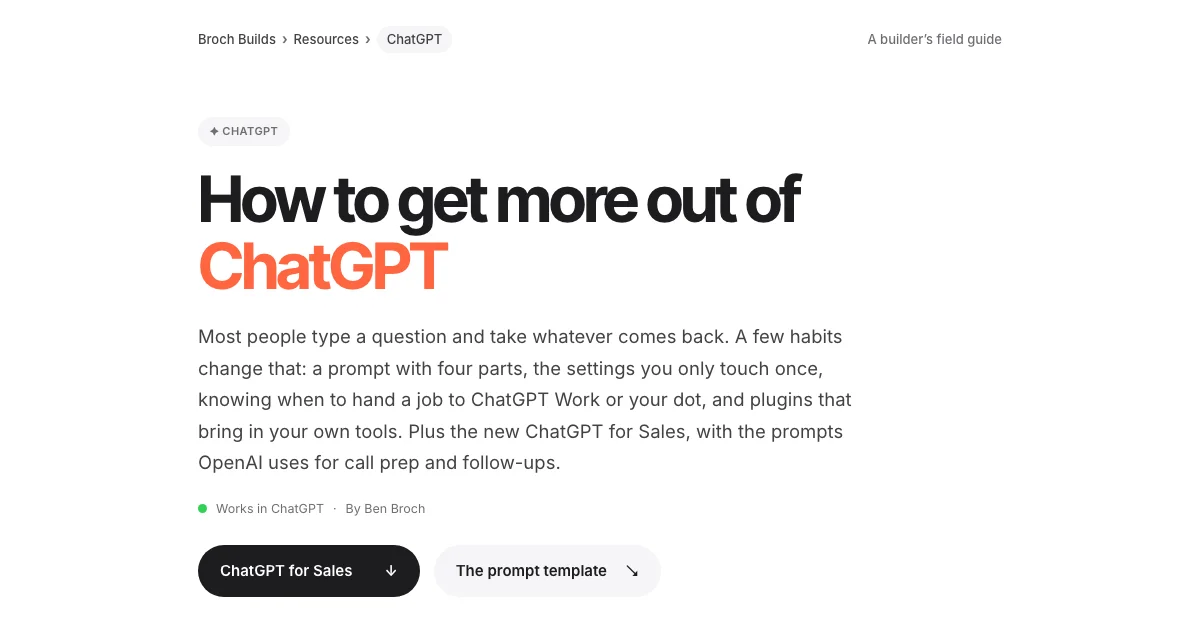 ChatGPT · GuideHow to get more out of ChatGPT →The four-part prompt, Work vs dots, plugins, and ChatGPT for Sales
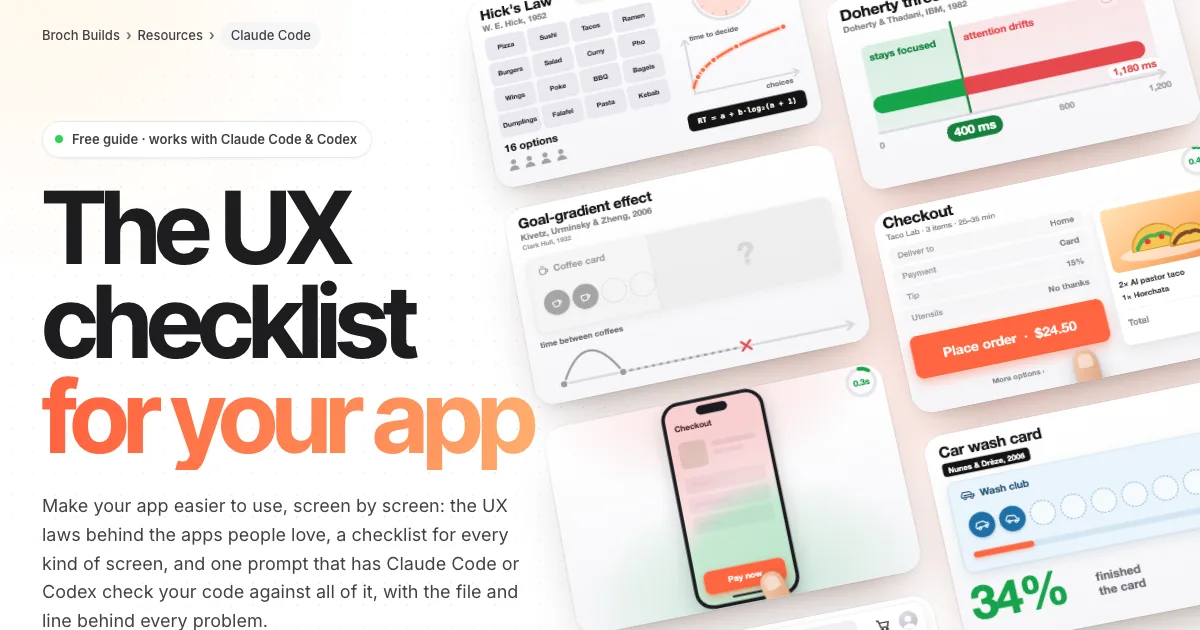 Claude Code · GuideThe UX checklist: make your app easier to use →The UX laws, a checklist per screen and one audit prompt
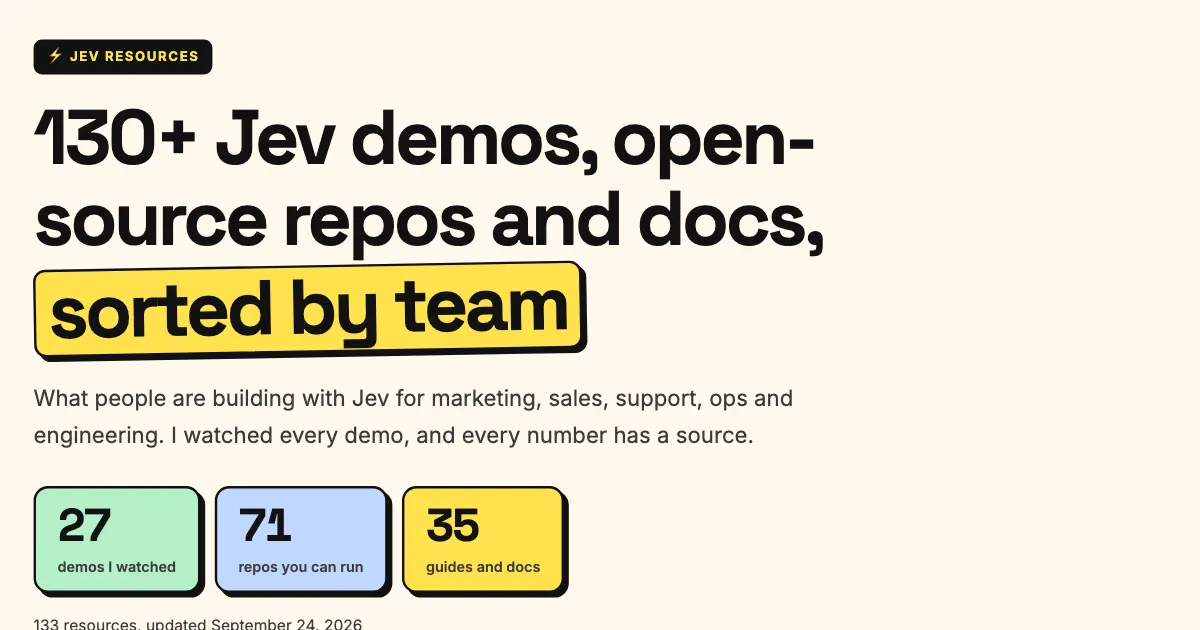 Jev · Directory200+ Jev demos, repos and docs by team →Everything worth watching or running