The Claude Code handbook
How the people who build Claude Code actually use it, and the plays we use with it. Each one has the rules in plain words and the file or prompt to copy.
Make Claude prove its work
Addy Osmani, Claude Code team at Anthropic · “How the Claude Code team thinks about verification”, claude.dev, 16 Nov 2026 ↗
Claude writes and reviews most of the Claude Code team’s code, so it has to prove a change works before a person looks at it. These are the habits they use, as a skill and a hook you can drop into any project.
- Claude uses the app like a person wouldCode can pass every test and still break the moment someone clicks it. So Claude opens the app and goes through the feature itself.
- Three failing tries, then a humanIf a check still fails after three rounds, Claude stops and brings you in instead of going round in circles.
- A change can’t edit its own testIf Claude could change the check it’s graded on, it could make the check easier and call it a pass.
- Cheap checks run firstTests, build and linter pass before anything goes up for review. A hook can run the tests every time Claude finishes.
- Misses become rulesEvery time Claude misses something, write it down as a rule, so the same mistake doesn’t happen twice.
Copy it
.claude/skills/verify/SKILL.md
---
name: verify
description: Prove a change works by running the app and using it the way a person would. Use before saying a task is done, before committing, and before opening a pull request.
---

# Verify

Passing tests are not proof that a feature works. Before you say a change is done, run it.

## 1. Cheap checks first
Run these in order and stop at the first one that fails:
1. Tests: `npm test`
2. Build: `npm run build`
3. Lint: `npm run lint`
(Swap in this project's own commands.)

## 2. Use the app like a person would
- Start the app (`npm run dev`) and open the screen your change touches.
- Web: drive it in a real browser (Claude in Chrome or a browser tool). API: call the endpoint with curl. CLI: run the command.
- Go through the exact flow the change is for, start to finish, and try one wrong input too.
- Take a screenshot or copy the output, and put it in your reply.

## 3. Three tries, then stop
If the same check is still failing after three attempts to fix it, stop. Don't try a fourth idea.
Tell me what you tried each time, what failed, and what you think is wrong.

## 4. Hands off the checks
Never edit, skip, loosen or delete a test, a lint rule or this file to make a check pass.
No sleeps or retries to get a flaky test through. If you think a check is wrong, say so and ask.

## 5. Report
End with what you ran, what you clicked, what you saw, and anything you couldn't check.

## Rules (misses become rules)
When I catch something you missed, add one line here so it gets checked next time.
-
.claude/settings.json
{
  "hooks": {
    "Stop": [
      {
        "hooks": [
          { "type": "command", "command": "\"$CLAUDE_PROJECT_DIR\"/.claude/hooks/run-tests.sh" }
        ]
      }
    ]
  }
}
.claude/hooks/run-tests.sh
#!/bin/bash
# Runs the tests every time Claude finishes. If they fail, Claude is sent back to fix them.
input=$(cat)

# If Claude is already continuing because of this hook, let it stop (no endless loop).
if echo "$input" | grep -q '"stop_hook_active": *true'; then exit 0; fi

cd "$CLAUDE_PROJECT_DIR" || exit 0
if ! out=$(npm test 2>&1); then
  echo "The tests are failing. Fix them before you finish:" >&2
  echo "$out" | tail -40 >&2
  exit 2   # exit code 2 = don't stop, show Claude the message
fi
exit 0
Make the script executable with chmod +x .claude/hooks/run-tests.sh. Swap npm test for your own test command. The skill and hook are our own versions of the habits in the post.
The delete pass
Ben Broch (@brochbuilds), after a prompt from @griffinwooldridge1 · his reel on Instagram ↗
AI makes it easy to keep adding code. Every feature leaves something behind that nothing uses, and it piles up until changes start breaking things you forgot were there. This prompt finds it and gets rid of it, with proof first.
- Find what nothing usesDead files, functions nobody calls, packages you installed and never imported, and feature flags that are always on.
- Proof before anything goesFor each one, Claude shows you where it checked, so you can see why it’s safe to delete.
- One batch at a timeIt deletes in small batches and runs your build after each one, so a mistake is easy to spot and undo.
Copy it
Find code nothing in this project uses anymore: dead files, functions nobody calls, packages we installed and never import, and feature flags that are always on.

For each one, show me where you checked (the searches you ran and what came back), so I have the proof before anything is deleted.

Then delete them one batch at a time and run the build after each batch. If a batch breaks the build, put it back and tell me why.
Commit first, so the whole pass is one git diff you can read or throw away.
Turn on Code Mode
Anthropic, Claude Code docs · Code Mode (experimental), code.claude.com, Nov 2026 ↗
A new setting that’s off by default. Instead of running one command at a time, Claude writes a little script that runs a bunch of them together.
- One script instead of one file at a timeAsk for the same change in forty files and it writes one script that does all forty.
- Commands run side by sideIt can run several at the same time and use one result in the next.
- It only reads what it needsThe script hands back the part of the output that matters, so the chat doesn’t fill up.
- Turn it on with one lineStart Claude with the line below, then say yes when it asks to turn Code Mode on.
Copy it
CLAUDE_CODE_EXPERIMENTAL_CODE_MODE=1 claude~/.claude/settings.json
// ~/.claude/settings.json  (your user settings: a project's settings file is ignored for this one)
{
  "env": {
    "CLAUDE_CODE_EXPERIMENTAL_CODE_MODE": "1"
  }
}
Terminal only for now: not the desktop app, VS Code, claude -p or cloud sessions. It needs Claude Code 2.1.323 or later (check with claude --version) and Opus 5.5, Sonnet 5.5, Haiku 5.5 or Fable 5.2. To turn it off, remove the line or set it to 0.
The Karpathy CLAUDE.md
multica-ai/andrej-karpathy-skills, from Andrej Karpathy’s notes on how AI coding goes wrong · github.com/multica-ai/andrej-karpathy-skills (MIT) ↗
One CLAUDE.md file with four rules for the mistakes AI makes most: guessing instead of asking, writing too much code, and touching code it wasn’t asked to touch.
- Think before codingSay what it’s assuming, lay out the options when a request could mean two things, and ask instead of guessing.
- Simplicity firstThe least code that solves the problem. No extra features, no abstractions for one-off code, no settings nobody asked for.
- Surgical changesTouch only what the request needs. Don’t tidy, reformat or refactor the code next to it. Mention dead code instead of deleting it.
- Goal-drivenTurn the task into something it can check: “fix the bug” becomes “write a test that shows the bug, then make it pass”, and keep going until it does.
Copy it
/plugin marketplace add multica-ai/andrej-karpathy-skills
/plugin install andrej-karpathy-skills@karpathy-skills# a new project
curl -o CLAUDE.md https://raw.githubusercontent.com/multica-ai/andrej-karpathy-skills/main/CLAUDE.md
# a project that already has a CLAUDE.md (adds it to the end)
echo "" >> CLAUDE.md
curl https://raw.githubusercontent.com/multica-ai/andrej-karpathy-skills/main/CLAUDE.md >> CLAUDE.mdAdd your own project rules under it in the same CLAUDE.md. It’s working when the diffs get smaller and the questions come before the code.
The ones with their own page
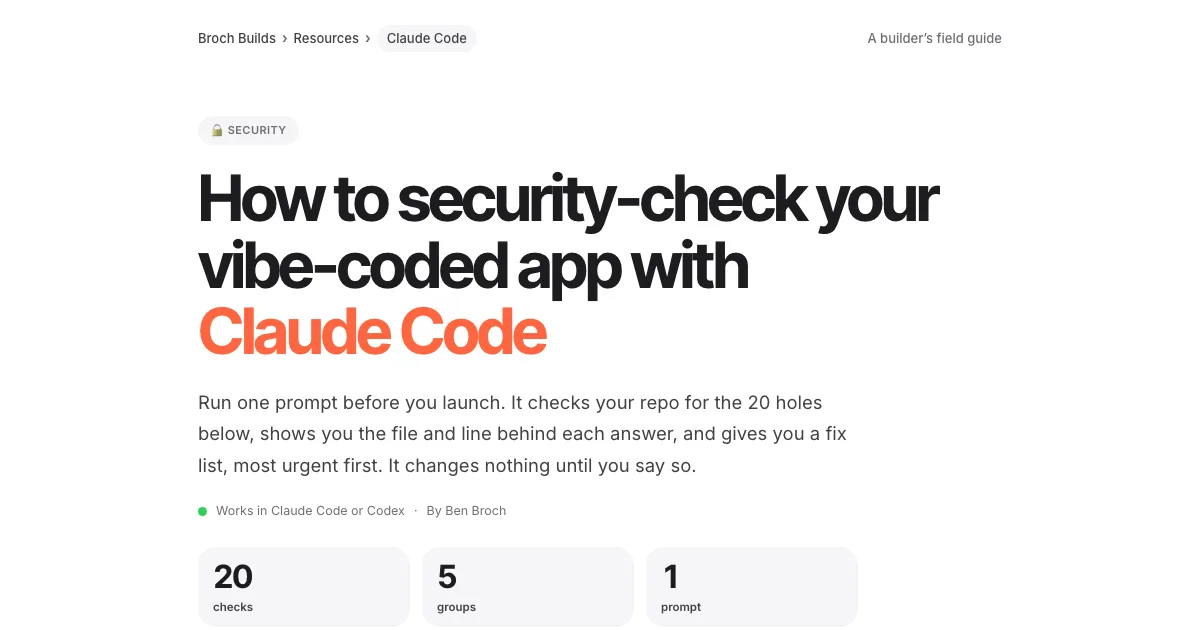 Run a security passOne prompt that checks your app for leaked keys, missing access rules, unsafe inputs and open doors, and hands you a fix list.Open the security guide →
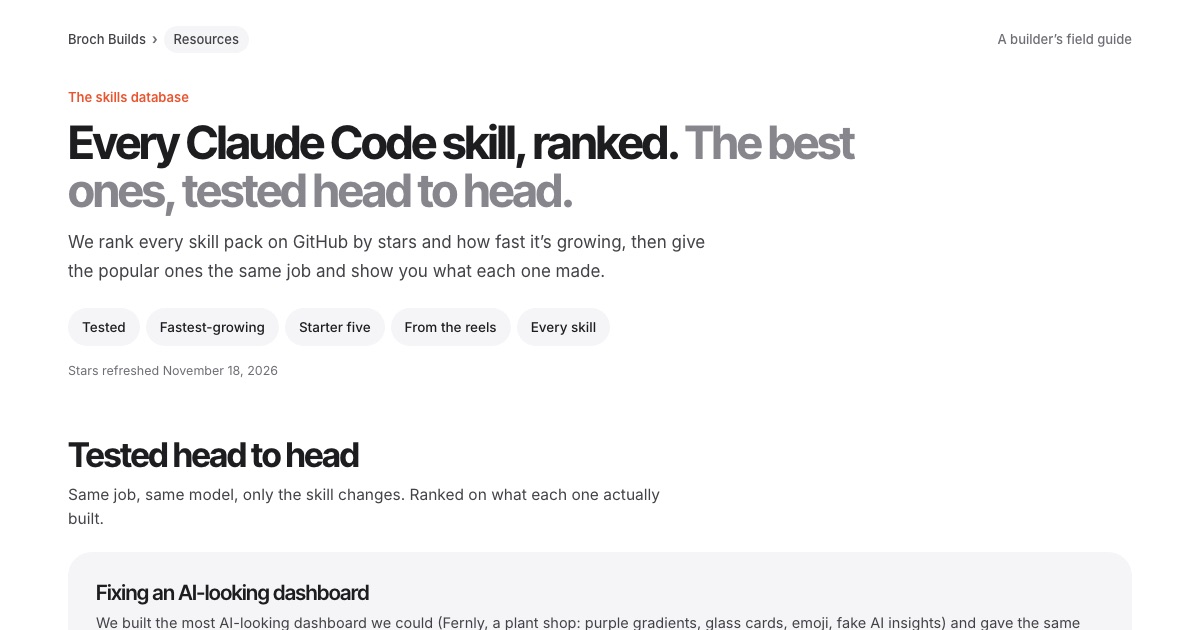 Install the right skillsOur skills database: every Claude Code skill ranked, plus the ones we tested head to head, with one tap to copy each install.Open the skills database →
Paste this into Claude Code
Open Claude Code at the root of your project and paste the whole thing. It sets up the verify skill, the test hook and the Karpathy rules, then checks your project once without changing any app code.
- 1Finds your test, build and run commands
- 2Adds the verify skill and the test-on-finish hook
- 3Writes the rules into CLAUDE.md, then runs a check
Set up this project the way the Claude Code team works: Claude proves a change works before it says it's done. Do each step, then show me what you made.

1. Look at package.json (or this project's equivalent) and find the real commands for tests, build, lint and running the app.

2. Create .claude/skills/verify/SKILL.md with the content below, swapping in those commands:

---
name: verify
description: Prove a change works by running the app and using it the way a person would. Use before saying a task is done, before committing, and before opening a pull request.
---

# Verify

Passing tests are not proof that a feature works. Before you say a change is done, run it.

## 1. Cheap checks first
Run these in order and stop at the first one that fails:
1. Tests: `npm test`
2. Build: `npm run build`
3. Lint: `npm run lint`
(Swap in this project's own commands.)

## 2. Use the app like a person would
- Start the app (`npm run dev`) and open the screen your change touches.
- Web: drive it in a real browser (Claude in Chrome or a browser tool). API: call the endpoint with curl. CLI: run the command.
- Go through the exact flow the change is for, start to finish, and try one wrong input too.
- Take a screenshot or copy the output, and put it in your reply.

## 3. Three tries, then stop
If the same check is still failing after three attempts to fix it, stop. Don't try a fourth idea.
Tell me what you tried each time, what failed, and what you think is wrong.

## 4. Hands off the checks
Never edit, skip, loosen or delete a test, a lint rule or this file to make a check pass.
No sleeps or retries to get a flaky test through. If you think a check is wrong, say so and ask.

## 5. Report
End with what you ran, what you clicked, what you saw, and anything you couldn't check.

## Rules (misses become rules)
When I catch something you missed, add one line here so it gets checked next time.
-

3. Add a Stop hook so the tests run every time you finish. Merge this into .claude/settings.json (keep anything already there):

{
  "hooks": {
    "Stop": [
      {
        "hooks": [
          { "type": "command", "command": "\"$CLAUDE_PROJECT_DIR\"/.claude/hooks/run-tests.sh" }
        ]
      }
    ]
  }
}

and create .claude/hooks/run-tests.sh (chmod +x it), using this project's test command:

#!/bin/bash
# Runs the tests every time Claude finishes. If they fail, Claude is sent back to fix them.
input=$(cat)

# If Claude is already continuing because of this hook, let it stop (no endless loop).
if echo "$input" | grep -q '"stop_hook_active": *true'; then exit 0; fi

cd "$CLAUDE_PROJECT_DIR" || exit 0
if ! out=$(npm test 2>&1); then
  echo "The tests are failing. Fix them before you finish:" >&2
  echo "$out" | tail -40 >&2
  exit 2   # exit code 2 = don't stop, show Claude the message
fi
exit 0

4. Add these four rules to CLAUDE.md (create it if there isn't one), each as one short paragraph:
- Think before coding: state assumptions, lay out options when a request is ambiguous, ask instead of guessing.
- Simplicity first: the least code that solves the problem, nothing speculative.
- Surgical changes: touch only what the request needs; mention dead code instead of deleting it.
- Goal-driven: turn each task into a check you can run, and keep going until it passes.
Then add: "When you miss something and I point it out, add a one-line rule under Rules in .claude/skills/verify/SKILL.md."

5. Run the verify skill once on the project as it is now and tell me what you ran, what you saw and anything you couldn't check. Don't change any app code in this step.
What this is and isn’t. These are habits and starter files, not magic. A verify skill is only as good as the checks in it, so run it, watch what it misses, and add a rule each time. The Code Mode setting is experimental and may change.
More field guides
All guides → Claude Code · GuideHow to make motion graphics with Claude Code →Six looping effects, one prompt eachClaude Code · GuideHow to security-check your vibe-coded app with Claude Code →One prompt, 20 checks, a fix list
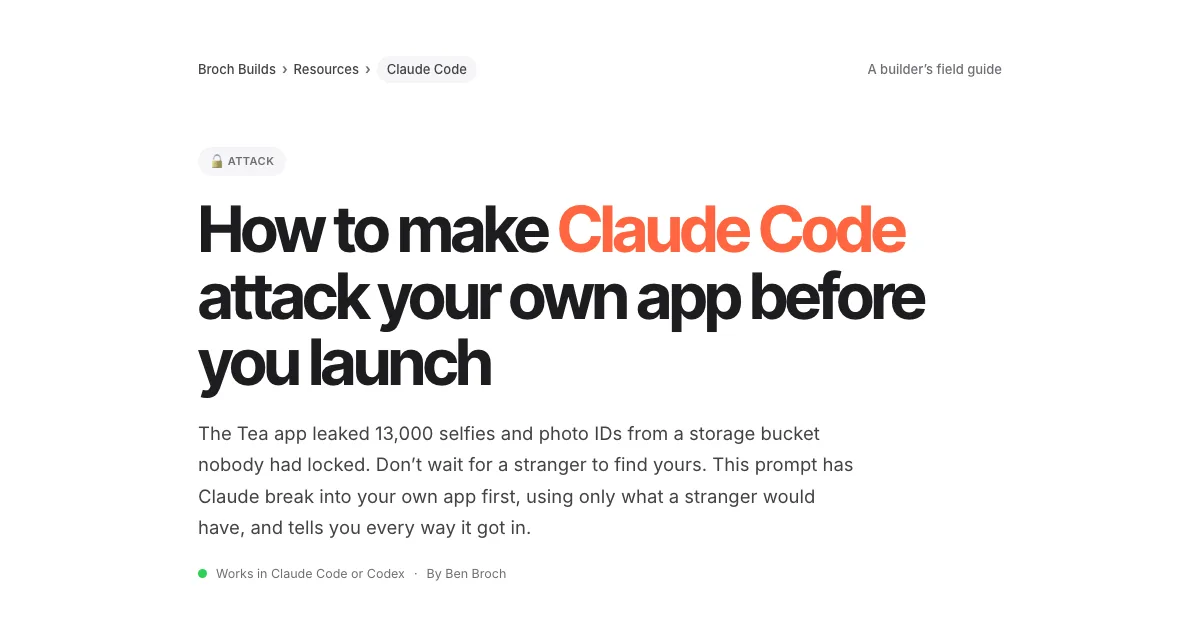 Claude Code · GuideHow to make Claude Code attack your own app before you launch →One prompt, two test accounts, every hole it got through
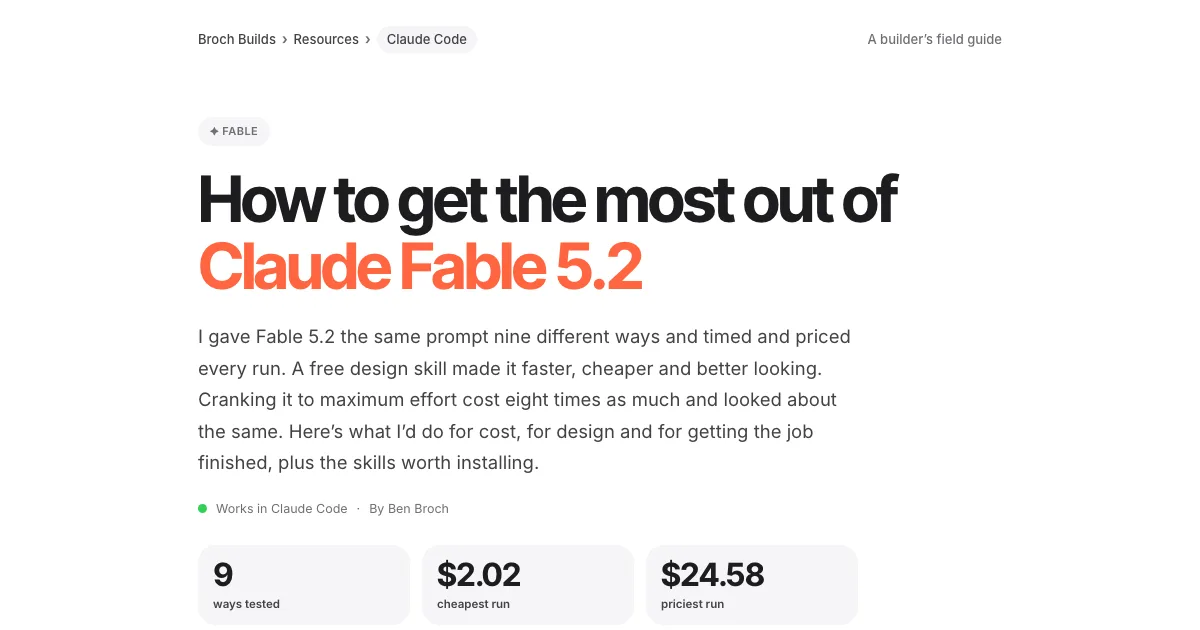 Claude Code · GuideHow to get the most out of Claude Fable 5.2 →Cost, design, finishing the job, and five skills to install
 Claude Code · GuideThe UX checklist: make your app easier to use →The UX laws, a checklist per screen and one audit prompt
 Jev · GuideHow to set up Jev and make your first API call →Step by step, about 5 minutes
 Jev · GuideHow to automate SEO internal linking with Jev →The script, the prompt and the threshold rule
 Jev · GuideHow to find sales prospects ready to buy with Jev →Two scripts and the three filtering questions
 Jev · GuideHow to automate bookkeeping with Jev →Categorize every transaction, flag what needs a human
 Jev · GuideHow to filter Amazon products fast with Jev →The agent browser, the rules as questions, the race
 Jev · GuideHow to search Zillow by what the filters can’t see with Jev →699 listings judged in under 18 seconds
 Jev · GuideHow to check legal citations and research state law with Jev →LegalJev (free) and Monid, side by side
 Jev · GuideHow to build a Clay-style lead list with Jev →Treg on GitHub: judge first, pay second
 Jev · GuideHow to find buyers on LinkedIn with Jev →290 posts scored in 3.8s, 23 buyers
 Jev · GuideHow to sort your inbox with Jev →500 emails in 7 seconds for a cent
 Jev · GuideHow to find viral TikToks with Jev →780 videos, 137 outliers, sorted by niche
 Higgsfield · GuideHow to swap the people in any video with Higgsfield Genjutsu →The clip, the photos, the prompt and the cost
 ChatGPT · GuideHow to build and submit your own ChatGPT plugin extension →The server, the ZIP and the review checklist
 Jev · Directory200+ Jev demos, repos and docs by team →Everything worth watching or running